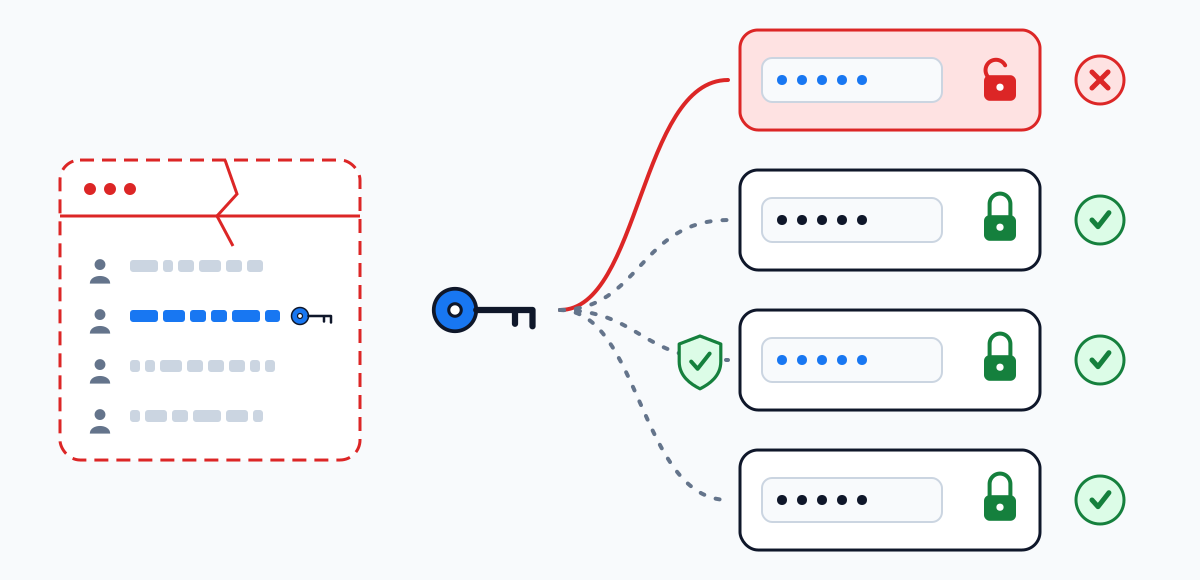
Still signed in: new password before anything else
Source: help.x.com/en/safety-and-security/x-account-compromised.
- Change the password in settings. A password reset ends every active session except the one you change it from.
- Make sure the email account attached to X is secure: its own password, its own second factor.
- Revoke access for third-party apps you do not recognise.
- Update the password in the apps you do trust, so they stop failing with the old one.
- Open the list of active sessions in settings — X's help names the section Apps and sessions — and end any you cannot place. After that, switch on two-factor authentication.
The limit X's help notes that ending a session does not necessarily remove data already cached on that device — Direct Messages, for example.
Six steps after you are backReset the password through your email
Source: help.x.com/en/managing-your-account/forgotten-or-lost-password-reset. We could not read the exact steps, so only the outline is given.
- Open X yourself — the app, or x.com typed by hand — and choose Forgot password on the login screen.
- Complete the reset through the email attached to the account and choose a new password.
- The reset ends all other active sessions.
- Then work through the first tab, as if you had never been locked out.
The limit We could not confirm how long a reset link stays valid or what the “password reset protect” setting requires, so this page says nothing about either.
Open X's reset helpWrite to X support through the account-access form
Source: help.x.com/en/safety-and-security/x-account-compromised.
- Open the form at help.x.com/en/forms/account-access/regain-access/forgot-password.
- Send the request from the email address attached to the account.
- Include your username and the date you last had access.
- Watch that mailbox for the reply — and secure it first, or the reply can be read by someone else.
The limit For a changed email, the summaries we read describe no reversal message like the one Instagram sends to the previous address, so we describe none. We have not seen the form's fields or any review time.
Open the X formSupport is the only route — with no promise
Source: help.x.com/en/managing-your-account/log-in-issues. For this case X's help says to contact support, which “may be able to help”.
- Try to get the mailbox back through your email provider first: a recovered inbox turns this case into an ordinary reset.
- If that is impossible, contact X support, as its log-in help says. We could not confirm what it asks for in this case, so we list nothing.
The limit “May be able to help” is the whole promise. Anyone outside X who promises more is selling something else.
Open X's log-in helpNothing here opens another person's X account
The sites that advertise it cannot do it either. Below: how a password really leaves its owner on X, and what the pages promising a hack do to the people who visit them.
How X passwords get out